
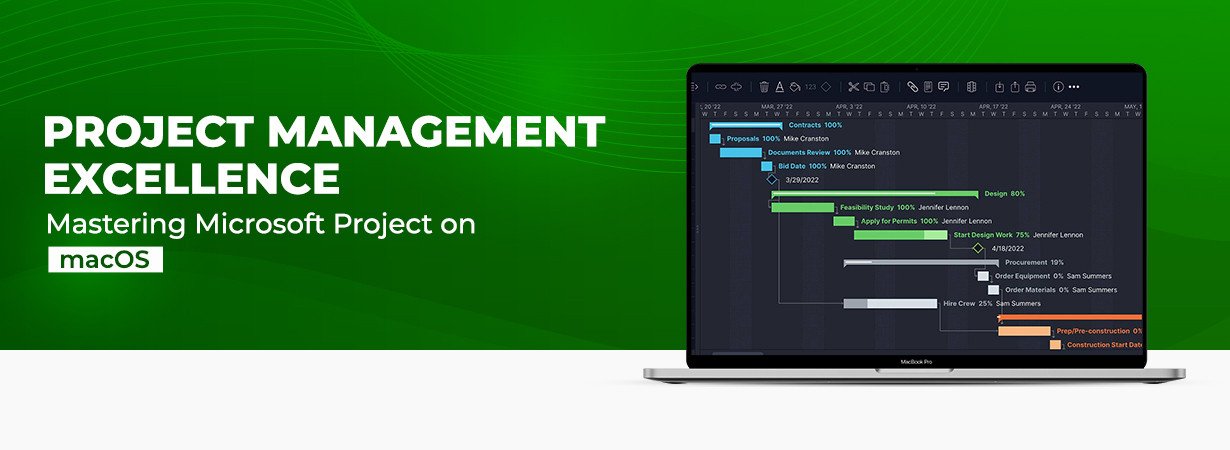
"Say goodbye to project chaos and hello to a streamlined workflow with Microsoft Project on macOS.”
If you handle any kind of project in your organization, you must be aware of Microsoft Project. Microsoft Project is the ultimate powerhouse when it comes to project management software. With its comprehensive suite of tools and intuitive interface, it empowers teams to plan, execute, and track projects with unparalleled efficiency.
From small-scale initiatives to large-scale endeavors, Microsoft Project equips you with the tools to stay organized, collaborate seamlessly, and easily meet deadlines. For different kinds of needs, Microsoft Project has different editions as well, such as Microsoft Project Professional 2019, which is perfect for huge and professional projects.
With features like Gantt charts, resource allocation, task tracking, and real-time reporting, you'll have complete control over your projects from start to finish; in addition to that, you can also run Microsoft Project in macOS to elevate your digital experience.
Now let’s start our guide on how you can use Microsoft Project on Mac effortlessly, but before that, let’s take some detailed knowledge of Microsoft Project on Mac.
Why do you need Microsoft Project for Mac?
Microsoft Project is a powerful project management software developed by Microsoft. While it has traditionally been available for Windows operating systems, Microsoft has released a version of Microsoft Project for Mac, known as Microsoft Project for Mac, to cater to Mac users' needs.
Here are a few reasons why someone might need or prefer to use Microsoft Project for Mac:
Compatibility:
If you work in an environment where Microsoft Project is commonly used, you may need to use the software on your Mac to ensure compatibility and seamless collaboration with colleagues or clients who are using the Windows version.
Familiarity:
If you are already familiar with Microsoft Project or have used it extensively in the past, you may prefer to continue using it on your Mac rather than switching to a different project management tool. This allows you to leverage your existing knowledge and skills.
Advanced features:
Microsoft Project offers a wide range of advanced features and capabilities for managing complex projects. If your projects require features specific to Microsoft Project, such as Gantt charts, resource allocation, critical path analysis, or advanced scheduling options, using Microsoft Project for Mac can provide you with the necessary tools.
Integration with other Microsoft tools:
Microsoft Project integrates well with other Microsoft Office applications such as Excel, Word, and SharePoint. If you rely on these tools for project-related tasks, using Microsoft Project for Mac allows you to maintain a cohesive workflow and easily share project information across different Microsoft applications.
Enterprise requirements:
In some cases, organizations may have specific requirements or guidelines that necessitate the use of Microsoft Projects. If you are working in such an environment and use a Mac as your primary computer, having Microsoft Project for Mac ensures that you can meet these requirements.
It's worth noting that there are alternative project management tools available for Mac users, and depending on your specific needs and preferences, you may find other software options that suit you better. However, if you specifically require the features and compatibility offered by Microsoft Project, using Microsoft Project for Mac becomes essential.
How to run Microsoft Project on Mac?
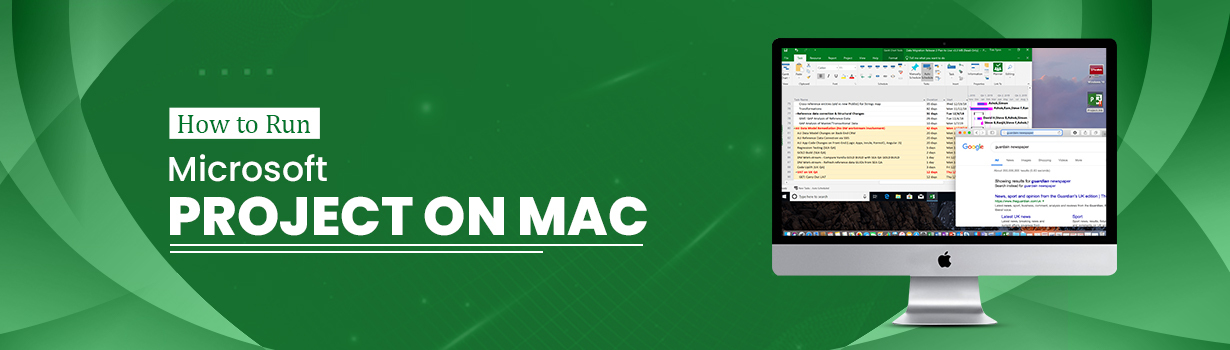
You cannot access Microsoft Project directly on Mac; you will require a virtual machine to run Windows Apps on your Mac. There is, however, an uncomplicated solution that makes it possible.
It's called a virtual machine. A virtual machine is a fragment of software on your PC that pretends to be inside your computer. It's like a machine inside your macOS. You can easily install any OS on this virtual machine, including Microsoft Windows.
Which Virtual Machine Should You Choose?
Multiple Virtual Machines are available in the market, but one should choose the most appropriate one. So, first, let's see what options are accessible.
There are different solutions available, both free and paid:
- Parallels Desktop (paid)
- VMWare (paid)
- VirtualBox (free)
According to some research, Parallels Desktop could be your best choice.
How to Setup Parallels Desktop With Windows
The first step is that you need to install Parallels Desktop on your Mac. It is known as a Mac version. After installing Parallels Desktop, it will ask you what virtual machine and OS you want to install.
The installation process of Windows on Mac
First, you must choose to Get Windows 10 from Microsoft (or whatever the latest version). This will download and install MS Windows inside the virtual machine on your PC.
Activate Windows
Now that you have a Windows operating system on your Mac, activating your Windows license might be a good idea. And to activate it, you need to buy Project Professional 2021 Download.
After activating Windows virtual machine on your Mac, you need to buy Microsoft Project. After making this purchase, you need to activate MS Project, and then you can run Microsoft Project on your macOS.
Need Help?
If you want to purchase Windows for Mac or Microsoft Project, you can contact SoftwareDeals. We deliver Microsoft products at competitive prices.
For more details and offers, you can mail us at; support@softwaredeals.com
Thanks for your time!