
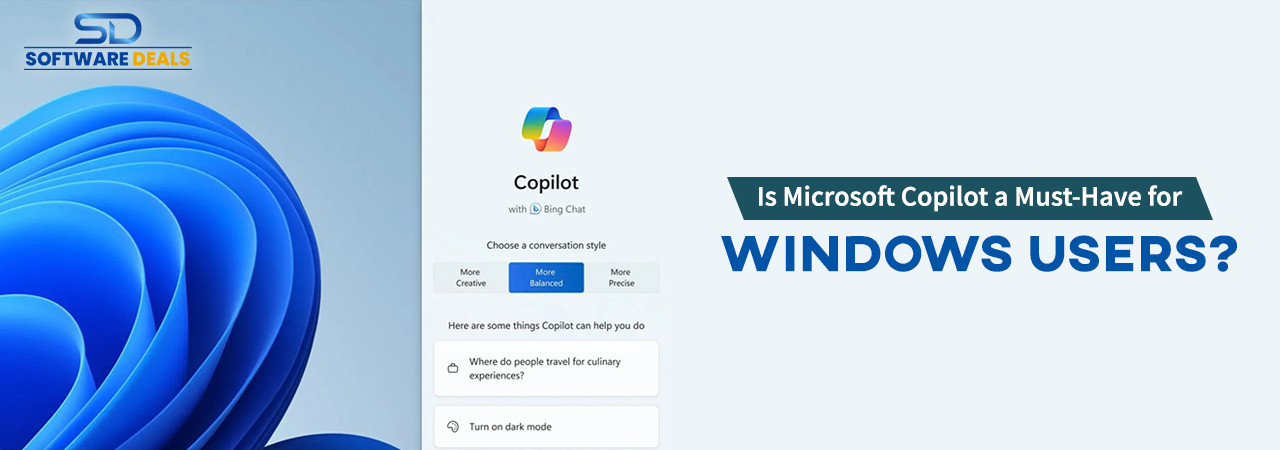
On September 21, 2023, Microsoft released a revolutionary tool to increase your business efficiency, Microsoft Copilot. Since its release, it has been brainstorming the business world and the users of Microsoft and Office.
Copilot is compatible with MS Windows 11 Download. Moreover, it can easily code for you, integrate with MS Office, text & image generation, and whatnot. Today, we are going to check if it is good for your business or other users, if you really need this, its pros and cons, etc.
Before anything else let’s learn something more about Microsoft Copilot…
What is Microsoft Copilot?
Microsoft Copilot is a technology developed by Microsoft, that leverages the capabilities of AI and machine learning to assist you in various computing tasks. It's designed to work alongside humans, enhancing productivity and efficiency in different applications.
Copilot can be integrated into a range of Microsoft products, such as Office Suite (Word, Excel, PowerPoint), email clients, and potentially other software, to provide intelligent suggestions, automate repetitive tasks, and enable more intuitive user interactions.
The technology behind Copilot is likely based on advanced language models and AI algorithms, similar to those used in AI chatbots and virtual assistants. It analyzes the context of the user's work and provides relevant assistance, which could include writing suggestions, data analysis, presentation design, and more. This makes tasks like drafting documents, creating spreadsheets, or designing slides more efficient.
However, as of my last update in April 2023, specific details about Microsoft Copilot, such as its full range of capabilities, how it integrates with various applications, and its availability, may have evolved. For the most current information, it would be best to check Microsoft's official announcements or their website.
How Microsoft Copilot can help you?
Copilot with MS Word & Excel- Copilot stands as a revolutionary tool for business professionals, redefining the approach to content creation and editing. By providing an initial draft, Copilot significantly cuts down the time typically spent on writing, sourcing, and fine-tuning content.
On the other hand, Copilot emerges as a vital ally for business professionals navigating the complex world of spreadsheets. It simplifies data management by intuitively suggesting formulas based on the specific data in your spreadsheet. Imagine you have a column filled with numbers that need summing up; by merely typing 'SUM' into a cell, Copilot instantly recommends the appropriate SUM formula.
Copilot with MS Teams- Copilot serves as an invaluable asset for business professionals in the realm of communication, particularly in responding to chat messages. For instance, if you receive a message inquiring about the status of a project, Copilot intelligently identifies the context and might suggest key points to include in your reply.
This capability with MS Teams not only streamlines communication with colleagues but also ensures that your responses are comprehensive and informative. It acts as a virtual assistant, guiding you to address all necessary aspects of the conversation, which is particularly useful in a fast-paced business environment.
The assistance provided by Copilot in crafting responses helps in maintaining clear, effective, and efficient communication, making sure that essential information is always conveyed accurately and promptly.
Copilot with Power BI- Copilot stands as a transformative tool for business professionals, especially in enhancing the presentation and comprehension of complex data in reports. By intelligently analyzing the data within your reports, Copilot can suggest the most suitable visualizations to bring your data to life.
Take, for example, a report filled with sales data across various regions. In such a scenario, Copilot might recommend a map visualization, effectively illustrating the performance of different geographic areas. This not only makes the data more visually appealing but also significantly easier to understand at a glance.
Such visualizations are key in highlighting trends, patterns, and areas of concern or success, thereby enhancing the decision-making process. By transforming raw data into clear, engaging, and insightful visual representations, Copilot ensures that your reports are not only informative but also impactful, aiding in better communication of vital business insights.
So, these are some major features of Copilot. Now the question is do businesses need Copilot now or maybe after some years? For that we are giving you a task, here we are going to show down some pros and cons of Microsoft Copilot, and after seeing that you need to decide if Copilot is needed now or later.
Microsoft Copilot: Needed Now or Later
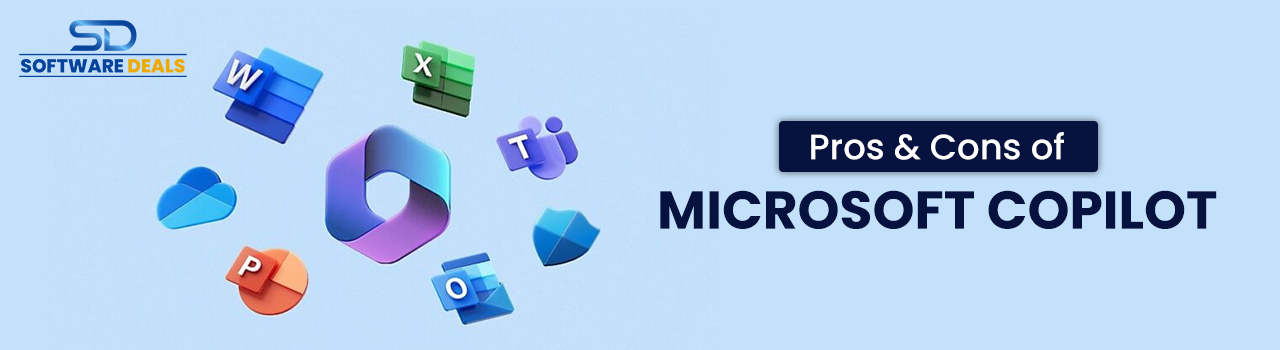
Pros of Microsoft Copilot
- Compatible with Windows 10 Download Pro
- Integrates across Microsoft 365 apps
- Enhances productivity by automating tasks
- AI-driven support for various functions
- Facilitates collaboration and communication
- Contributes to security and compliance
Cons of Microsoft Copilot
- Raises privacy concerns due to data analysis
- The learning curve for optimal use
- Potential over-reliance on technology
- It may produce errors or glitches
- Additional cost for the subscription
Final Thought
So, these are some of the best pros and some of the major cons of Microsoft Copilot, according to SoftwareDeals, we refer you to not choosing Copilot now. Let’s wait for some more time to pass. Microsoft may add some more interesting and problem-solving features to it. Till then utilize all Microsoft tools and continue to read our blogs for such information.
SoftwareDeals: Trusted Microsoft partner
Thank you for joining us on this informational journey! We hope our blog has provided you with valuable insights. If you have any further questions or want to Buy Windows 10 Product Key or other Microsoft products, feel free to contact us at (800) 983-2471 or simply drop us an email at support@softwaredeals.com.
------------------------------------------------------------------------------------------------------------------------
Explore Microsoft Software Products at our store, where we proudly offer the most competitive prices in the industry. Not only that, but our dedicated technical assistance ensures you receive the best support every step of the way.