
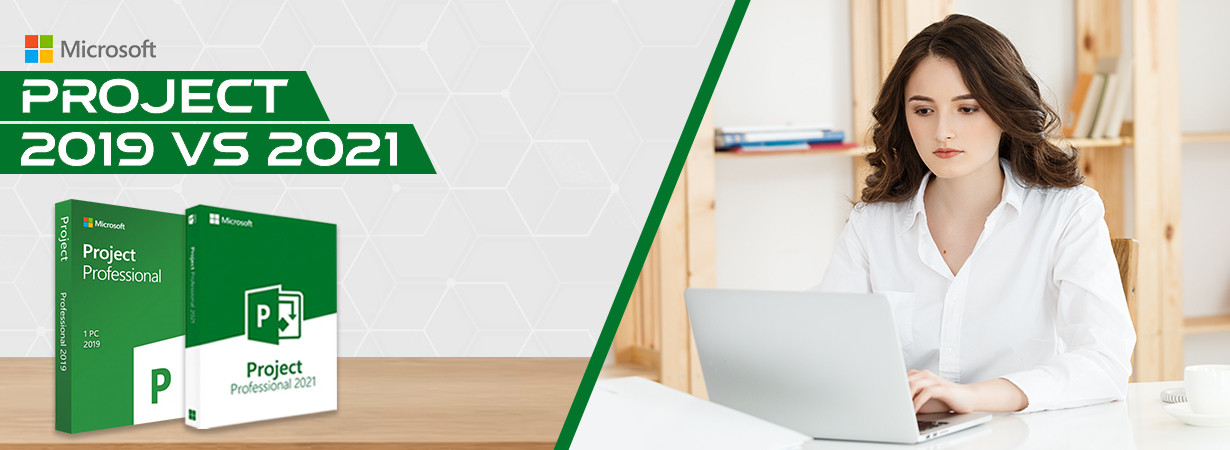
Each project is diverse and contains a distinctive set of project management threats; irrespective of the type of project you're working on, you probably encounter tight deadlines and high expectations.
And all these things make a project difficult to complete on time and within budget. Whether you're new to project management or have years of experience, managing and completing a project is always a difficult task.
Every single thing in project management is hands-on. Unlike other domains, you can't find your way to victory by making mistakes; experimentation will only get you slain. It would be best if you stayed strictly by the principles to succeed, and that's where MS Project Software will come in handy.
This blog will guide you on two different versions of the project management tool and will tell you which one you should choose.
Why is Project Management important?
Apart from boosting productivity, improving project transparency, and delivering a clear vision to the team, project management can obtain the following advantages to the table:
- Persuasive communication
- Efficient management
- Enhanced customer satisfaction
- Flexibility and higher risk forbearance
- Enhanced team morale
- More acceptable quality of the output
- Retrospective education

Phases of Project Management
Project management phases are tasks, behaviors, and skill sets necessary to create successful projects. Let's see the vital phases.
Phase 1- Initiation
The project initiation phase characterizes the start of a project by defining high-level expectations like why a project is needed, if it is feasible or not, and what is required in order to achieve the project.
Outputs of this phase have required stakeholder support to proceed to the next step, documentation about project requirements (business case), rough estimates of time and help needed to complete the project (project charter), and an initial list of stakeholders.
Phase 2 - Planning
In this phase, project managers describe the project scope, time frame, and risks. Completeness and continuity are the primary components of a thriving project plan.
This phase's output contains a detailed project plan, a communication plan (if there is no project plan), an allocation baseline, project scheduling, individual project objectives, a scope document, and an updated stakeholder registry.
Phase 3 - Execution
In the execution phase, the project associates are coordinated and guided via sound communication to complete the work described in the approved project management plan.
This phase also covers assigning and managing other project resources like materials and budgets. Project deliverables are the outcome of the execution phase.
Phase 4 - Monitoring and Control
During the monitoring and controlling phase, the project's duration, cost, and performance corresponded at every stage. Required adjustments are made to the project activities, resources, and plans to keep things on track.
Outputs from this phase have project progress reports and other communications that provide adherence to project plans and prevent more significant milestones and deadline disruptions.
Phase 5 - Closure or Completion
The methodology of finalizing the project, studying the project deliverables, and transitioning them to the industry leaders is called the project closure stage in a project management life cycle.
This stage shows the time for both celebration and reflection. Outputs from this project management phase have approved project outcomes and learnings that can be applied to comparable projects.
And let me tell you, all these phases can get very easy and effortless with both MS Project Professional 2021 and Microsoft Project 2019. Now you will think, if both the products are doing the same thing, then why are there two? Technically, there should be only one…right?
So, now you will get to know the key differences between Microsoft Project 2019 and Microsoft Project 2021.
Microsoft Project 2021
Microsoft Project 2021 delivers the same management tools as Microsoft Project 2019 but with some extra tools. These tools help when executing task assignments in the best possible way.
An additional tool added to the 2021 version is that the beginning and end dates are automatically filled in based on dependencies. In addition, in the 2021 version, there is the option to display complicated schedules with multiple built-in timelines visually. Moreover, MS Project 2019 has some editions as well that includes some extra and diverse features & functions.
Microsoft Project 2019
Microsoft Project 2019 presents the possibility of scheduling tasks and activities quickly. You can create and empower work for all team associates in one place with folders, calendars, templates, tasks, and sub-tasks.
Emails are no longer the only form of touch when transferring data between team members. Project management tools can add comments on tasks, manage dashboards, assign tasks, and give and accept permissions. Just like Microsoft Project 2021, MS Project 2019 also have such editions, and Microsoft Project Professional 2019 is one of them.
To find the quick difference between both the versions look at the given table;
| Features | MS Project 2021 | MS Project 2019 |
| Required Processor | 1.6 GHz | 1.6 GHz |
| Available Disk Space | 4 GB | 4 GB |
| Management Tools | ✓ | ✓ |
| Network Diagrams | ✓ | ✓ |
| Automatic Planning Systems | ✓ | |
| Automatic Start & End Dates | ✓ | |
| “What-if-scenarios” | ✓ | |
| View Complex Schedules | ✓ |
Conclusion
So, basically, both the versions of Microsoft project management software are brilliant in their own place. It would be best if you choose Microsoft Project 2019 Professional Download to manage and control project flow. It has built-in templates that can be used for typical business projects containing commercial construction and engineering projects.
And if you want advanced features and functions, you must pick Microsoft Project 2021. This version is the latest release and has new tools and functions that will ease day-to-day tasks of your business.
We would love to hear from you!
I hope you find the blog regarding Microsoft Project. If you have any feedback, please share it in the comments below.
Also, check out our huge range of Microsoft Products. However, if you have any doubts or queries, drop us a mail at; support@softwaredeals.com
Thanks for paying attention!!