
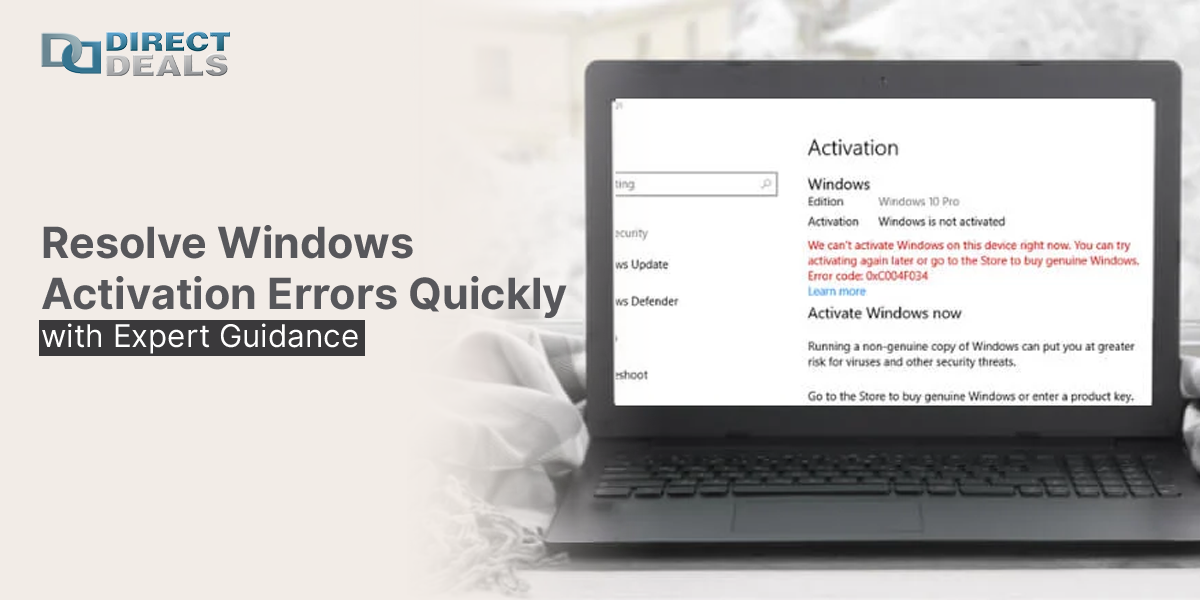
Activating a Windows operating system should be a straightforward task.
However, countless users and IT professionals encounter Windows activation errors that delay operations and disrupt productivity. These errors may stem from invalid product keys, hardware changes, licensing mismatches, or issues with Microsoft’s activation servers.
As a business owner or IT administrator, it is essential to know how to quickly identify and resolve these errors especially when managing multiple machines or rolling out enterprise systems. For over 27+years, DirectDeals has supported organizations with genuine software licensing, helping clients avoid activation issues before they start. In this blog, we'll cover the most common Windows activation errors, how to resolve them, and how to avoid them with the right licensing.
Understanding the Activation Process
Windows activation confirms your copy of Windows is genuine and not being used on more devices than permitted by the license agreement. Activation is necessary after installing Windows or upgrading major hardware components like the motherboard or hard drive.
Depending on the license type Retail, OEM, Volume Licensing, or Digital Entitlement the activation process may differ slightly. Failing to activate Windows not only limits customization and features but may also flag compliance issues within your organization.
Common Windows Activation Errors and How to Fix Them
Error Code 0xC004C003 Invalid Product Key
This error indicates that the product key entered is either blocked or already used on another device.
Solution:
- Verify you’re entering the correct product key (avoid mistyping characters like 0 and O).
- If reusing a key from an older PC, ensure it’s a transferable retail key.
- Contact Microsoft Support if the key is valid but not accepted.
Error Code 0xC004F050 – Key Not Compatible with Your Edition
Occurs when a product key is being used for a different version or edition of Windows.
Solution:
- Confirm the product key matches the installed version of Windows (Home, Pro, Enterprise).
- If you need to switch editions, use the correct installation media or upgrade paths.
Error Code 0x8007232B DNS Name Does Not Exist
Typically appears in volume licensed environments where the system can’t locate a Key Management Service (KMS) host.
Solution:
- Ensure the computer is connected to the domain.
- Validate the DNS configuration or manually set the KMS server address.
Error Code 0x8007007B Invalid DNS Name
This is another KMS related error where the product key used requires a KMS server but can't locate it.
Solution:
- Use the slmgr.vbs /ipk command to apply a MAK (Multiple Activation Key) if no KMS is used.
- Check DNS settings and ensure proper access to the activation server.
Hardware Changes and Reactivation
If you've recently changed your system's motherboard, Windows might detect it as a new device and revoke activation.
Solution:
- Sign into your Microsoft account and use the Activation Troubleshooter to reactivate.
- Use a transferable license if you're moving Windows to new hardware.
How to Prevent Activation Issues
1. Buy from Trusted Licensing
Avoid gray market or third party sellers offering low cost keys that may be blocked or flagged by Microsoft. At DirectDeals, we provide only verified Microsoft product keys with full licensing documentation.
2. Understand Your Licensing Type
Whether you're using Retail, OEM, Volume Licensing, or Digital Licensing, understanding what your key supports is vital. Not all keys are transferable or suitable for enterprise deployment.
3. Centralize Activation Management
For organizations with multiple PCs, tools like Microsoft’s Volume Activation Management Tool (VAMT) help monitor activation status across devices.
4. Stay Compliant with Software Agreements
Using improperly activated software can lead to audit risks, loss of access, or legal consequences. Ensure your IT setup is audit ready and compliant.
How DirectDeals Helps You Stay Activated and Compliant
With 27+years in the software licensing industry, DirectDeals has helped thousands of businesses avoid activation issues by providing authentic Microsoft software, expert consultation, and lifetime customer support.
Our Services Include:
- Microsoft Windows OS (Home, Pro, Enterprise)
- Microsoft Office Suites (Home & Business, Professional Plus)
- Windows Server and CAL Licensing
- Microsoft SQL Server and Volume Licensing
- Microsoft Project, Visio, and Remote Desktop Services
- Endpoint Security and Antivirus Software
- Custom software bundles for IT deployment
- Consultation on EULA and licensing compliance
Visit us at:
My Experience with Clients Facing Activation Errors
Over the years, I’ve seen businesses delay important rollouts or lose days in productivity because of simple activation issues usually stemming from unauthorized sellers or mismatched keys. In many cases, these situations could have been prevented with a single consultation or verified license from a trusted source.
That’s why we at DirectDeals go beyond product delivery. We’re in your IT journey, ensuring your systems are not only functional but legally compliant and future ready.
Need help resolving a Windows activation error?
Work with DirectDeals your software licensing since 1998.
Phone: (800) 983-2471
Email: support@directdeals.com
Website: www.directdeals.com
Don’t let Windows activation errors slow you down. Get secure, verified, and fully supported licenses with DirectDeals the software solutions provider businesses have trusted for 27+years.