
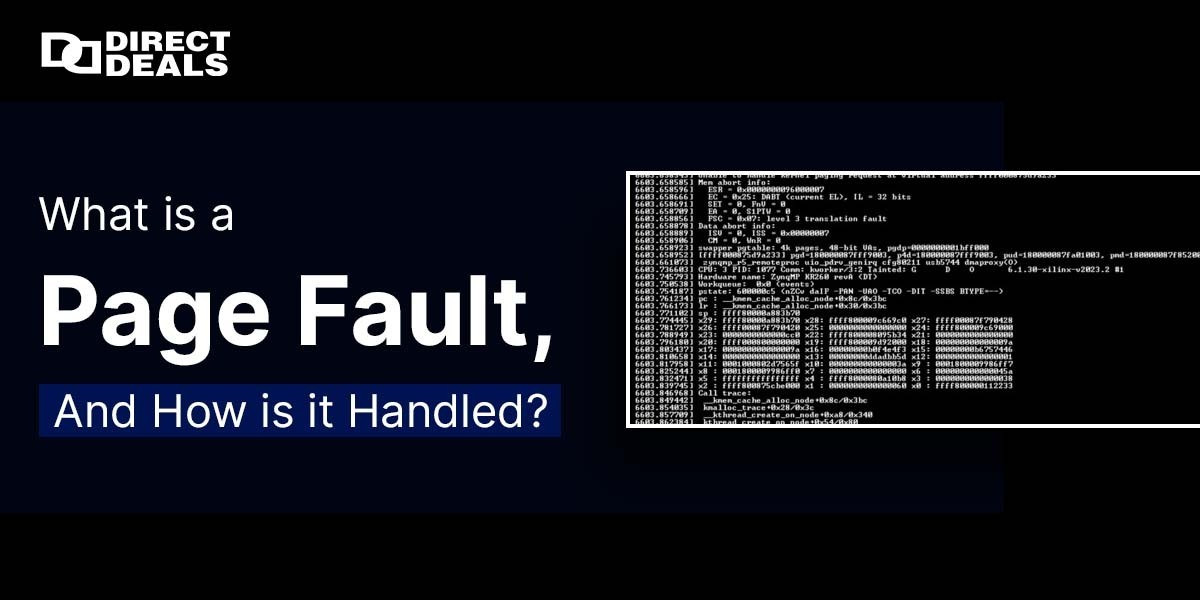
In the realm of computing, particularly when dealing with memory management in operating systems, you might encounter a term called "page fault." But what exactly is a page fault, and how is it managed by the operating system? Let's explore this concept in detail and understand its significance.
What is a Page Fault?
A page fault occurs when a program requests data that is not currently in the system’s main memory (RAM). It essentially refers to a situation where the data a process needs is not in the memory but is instead stored in secondary storage, such as a hard drive or SSD. In simpler terms, the system was not able to find the required page of memory in RAM, and thus, it needs to fetch it from a slower, secondary storage. This situation arises because modern systems use virtual memory, which allows programs to use more memory than physically available by storing some data in the storage and swapping it in and out of RAM as needed. When a program accesses a page that is not in memory, the operating system (OS) generates a page fault.
How is a Page Fault Handled?
When a page fault occurs, the operating system must quickly resolve the issue to ensure that the program continues to run efficiently. Here's how the OS handles a page fault step by step:
Interrupt Generation:
When the program tries to access a page not currently in memory, the hardware generates an interrupt to inform the OS of the page fault.
Page Table Check:
The OS checks the page table to confirm that the access was indeed for a valid page and that it has not been swapped out or invalidated.
Locate the Page:
The OS determines the location of the required page, usually on the disk, and prepares to load it into RAM.
Disk I/O:
The OS initiates a disk input/output operation to retrieve the page from secondary storage. This process can take some time since accessing data from disk is slower than accessing data from RAM.
Update the Page Table:
Once the page is loaded into RAM, the page table is updated to reflect the new location of the page.
Resume Execution:
After the page is brought into memory, the program can resume execution as if the page was always in RAM. The CPU continues executing the instructions that were interrupted by the page fault.
Types of Page Faults
Not all page faults are the same. There are different types:
Minor Page Fault:
This occurs when the page is not in memory but is still in a location that can be quickly accessed, such as a cache. The OS can quickly resolve the fault without needing to access the disk.
Major Page Fault:
This happens when the required page is not in memory and is located on the disk. These faults require a slower process of accessing the disk to load the page into memory.
Why is Handling Page Faults Important?
Efficient page fault handling is crucial for the performance of a system. If page faults occur too frequently, especially major ones, it can lead to a significant slowdown, often referred to as "thrashing." Thrashing occurs when the system spends more time swapping pages in and out of memory than executing the actual program, resulting in poor performance.
Conclusion
A page fault is a normal occurrence in systems that use virtual memory, allowing applications to use more memory than is physically available. However, the way these faults are handled determines the efficiency and performance of the system. Understanding how page faults work and how they are managed helps in optimizing system performance and reducing the impact of such faults on user experience. At DirectDeals, with 27+years of trust, we understand the importance of delivering quality and reliability in every service we provide, whether it’s for software, tech, or memory related hardware. If you're looking to enhance your computing experience, contact us at:
Phone: +1 (800) 983-2471
Email: support@directdeals.com
Website: www.directdeals.com