
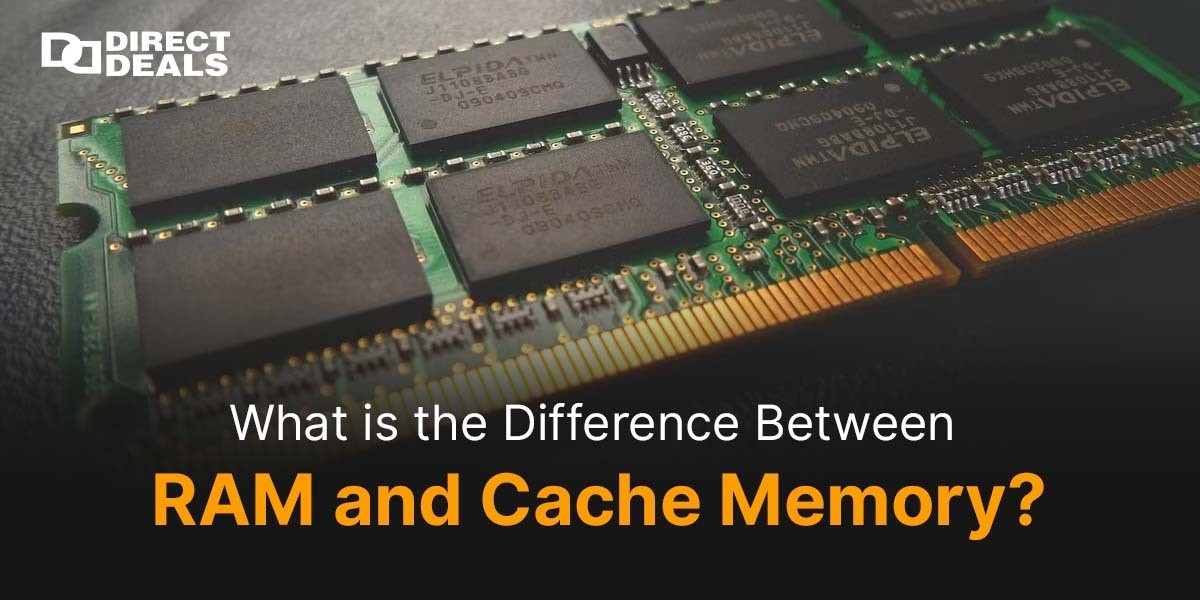
In today’s fast moving tech world, where speed matters as much as performance, understanding your computer’s memory system is crucial. Two important but often misunderstood components are RAM (Random Access Memory) and Cache Memory. Both play vital roles in how efficiently your system performs, but they do so in very different ways.
So, what is the difference between RAM and cache memory? Let’s break it down in simple terms.
RAM: Your Computer’s Short Term Memory
Think of RAM as your system’s short term memory. It temporarily stores data that your computer needs right now or in the very near future. For example, when you open a program like Google Chrome or Microsoft Word, it gets loaded from the hard drive into RAM so the processor can access it quickly.
Key Features of RAM:
- Larger in size (typically 4GB to 64GB)
- Slower than cache
- Volatile memory contents are lost when power is turned off
- Handles all running applications and processes
RAM is essential for multitasking. The more RAM you have, the smoother your system feels, especially when multiple applications are open.
Cache Memory: The Processor’s Speed Booster
Cache Memory, on the other hand, is ultra fast memory located inside or very close to the CPU (Central Processing Unit). It stores frequently accessed instructions and data so the processor doesn't have to fetch them from the slower RAM repeatedly.
Key Features of Cache:
- Much smaller in size (usually measured in MBs, not GBs)
- Faster than RAM
- Also volatile memory
- Divided into L1, L2, and L3 levels for speed hierarchy
Cache memory acts like a "cheat sheet" for your processor it helps execute tasks lightning fast by reducing the time taken to access critical data.
The Difference in a Nutshell:
| FeatureRAMCache Memory | ||
| Location | Motherboard | Inside or close to the CPU |
| Size | Larger (GBs) | Smaller (MBs) |
| Speed | Fast | Ultra fast |
| Cost | Cheaper per MB | More expensive per MB |
| Accessed by | CPU (indirectly) | CPU (directly) |
| Purpose | General storage for active tasks | Stores most frequently used data |
Why It Matters When You Buy Tech Devices
Whether you're upgrading your PC, buying a gaming laptop, or building a custom rig, knowing the difference between RAM and cache helps you make better decisions. And where better to shop than DirectDeals a name that’s stood for 27+years of trust in delivering quality electronics at unbeatable prices?
At DirectDeals, we not only offer the latest tech at the best value we help you understand it too. If you ever have a question about what to buy or how much RAM you really need, our team is just a call or email away.
Call Us: +1-800-983-2471
Email: support@directdeals.com
Conclusion
In summary, RAM and cache memory are both essential for computer performance, but they serve very different roles. RAM manages the system’s active workload, while cache gives the CPU a turbo boost by holding the most critical data close at hand. Understanding this difference not only improves your tech knowledge but also empowers you as a smart buyer.
Need advice on upgrading your system? Trust the experts at DirectDeals 27+years of experience, just a click away.